

I have been building a lot usign coding agents nowadays. I mostly use Claude Code in VS Code and Cursor. While using Databricks I love using Genie Code - it keeps all the context from the lakehouse and makes it easy to build reliable ML or AI solutions.
If you are buidling with coding agents, you have surely faced this problem. You ask the coding agent to build a feature, it writes the code, writes the tests, and reports success. However, you still find bug was there the whole time. The tests didn’t catch it. This is a common problem and in this article I will share what works for me most of the time.
Why this happens
Think about what a test is actually for. A test is a second opinion. You write code that you think is right, and you write a test that checks whether it really is. The value comes from those two things being separate. The code is your attempt. The test is the check on your attempt. If they disagree, you’ve caught something.
Now here’s what goes wrong with AI.
When you ask an AI to write the code and the tests in one go, you lose the separation. This creates a correlated failure or model bias propagation. Because the LLM shares a “latent space” between the test and the implementation, it is statistically likely to produce tests that validate its own mistakes-the model simply predicts the most probable test code given the most probable implementation code it just generated. The code has the bug, and the test is written to expect the buggy behaviour.
Consider a simple shopping cart: you ask the AI to calculate the total price, including a 10% tax. The AI rushes the job and writes a calculation function that accidentally skips the tax entirely. Then, it immediately pivots to writing the test. Because the AI is still “thinking” about the buggy code it just wrote, it creates a test that expects the total without the tax.
Now, you have a buggy function that ignores tax, and a test that celebrates that exact result. The test doesn’t flag the error because it wasn’t designed to check for the correct business requirement, it was designed to match the code’s current, buggy behavior. Everything goes green, even though the feature is fundamentally broken.
The test didn’t fail you because it was a bad test. It failed you because it was written by the same thing that wrote the bug. It’s marking its own homework.
And it gets worse at scale. One developer writing careless tests writes a few. An AI writes dozens in seconds - all neat, all passing, all quietly checking for the wrong thing.
How I fix this problem
The fix is to put the separation. You want the tests written by something that has not seen the code and cannot change it. That’s the whole idea. Everything below is just how to set that up.
If you’re using Claude Code, you do this with something called a sub-agent. A sub-agent is just a helper with a specific job and its own limited set of permissions. You create a sub-agent by adding a small text file to your project or from the terminal on Claude code.
In this case, you have to make two sub-agents:
one that only writes tests
one that only writes code
The trick is in what each one is allowed to touch.
If you aren’t using an agentic framework like Claude Code, the core concept remains the same: force a “Contextual Firewall” between your test-writing process and your implementation process. You don’t need a specific tool; you need a workflow that treats them as separate entities.
Let’s see how to do this step-by-step.
Step 1 - Create the tester, and don’t let it write code
Add a file called test-author.md in a folder named .claude/agents/ in your project. Put this inside it:
---
name: test-author
tools: Read, Write
model: sonnet
---
Write tests based on the requirement I give you.
Do not look at the existing code first.
Write tests for what the feature is supposed to do.
The important line is tools: Read, Write. This lets the tester read the requirement and write a test file - but it does not give it permission to change any existing code.
Conversely, the Coder will need read access to these tests to understand the criteria it must pass, but restricting its write access is crucial to prevent it from “hacking” the tests to suit its own buggy implementation.
Step 2 - Create the coder, and don’t let it touch the tests
Add a second file, implementer.md, in the same folder:
---
name: implementer
tools: Read, Edit, Bash
model: opus
---
Make the failing tests pass by changing the code.
Never edit a test file. Never delete a test.
Keep fixing the code and re-running until the tests pass.
This one is the opposite. It can edit code and run the tests (Bash lets it run them), but it’s told never to touch a test file. So it can’t cheat by weakening a test that’s in its way. Its only route to green is to actually fix the code.
Note: using different models can help, but not always - especially within the same model family, where they tend to share the same blind spots. The real independence comes from isolation and tool limits, not the model choice.
Step 3 - Write the tests first, and read them yourself
This step matters the most.
Give the tester the requirement - in plain English, what the feature should do. Let it write the tests before any code exists. Then, perform a Senior Engineer Review.
Position the AI as a Junior Developer generating boilerplate; your job as the Senior Reviewer is to validate the “contract” of the feature. You don’t need to write the code, but you must ensure the tests are asking for the right thing. The AI does the typing; you own the architectural judgement.
Don’t try to automate this part. At least not for critical code.
In the shopping cart example, you’d check: is there a test confirming the total includes tax? If yes, you’re safe. If the code later forgets the tax, that test will fail, and the bug gets caught right there.
Step 4 - Let the coder make them pass
Now hand it to the coder. It writes the actual code, runs the tests, sees what fails, fixes it, runs again - until everything’s green.
But this time, green means something. The tests it’s passing were written by something that never saw the code and can’t be edited by the thing writing the code. The two are genuinely separate again. The second opinion is back.
Run through the cart example one more time. The tester, working only from your requirement, writes a test that says the total must include tax. The coder writes the function. If it forgets the tax, the test goes red, and the coder has to fix it. The bug that sailed through before now can’t get past step 4 - because the thing checking for it was never allowed to see the mistake in the first place.
Reminder
This fixes a specific, common problem: the AI quietly agreeing with its own mistakes. It’s a real fix and it’s worth doing.
What it doesn’t fix is you asking for the wrong thing. If the requirement you gave the tester was wrong, you’ll get a perfectly tested version of the wrong feature. The tests can only be as right as the requirement behind them. Checking that the requirement matches what the business actually needs is your job - you need to do it.
Takeaway
If you’re letting an AI write your code and your tests together, and trusting the green tick, be careful. That green doesn’t mean what you think it means. It means the code and the tests agree - and since the same AI wrote both, of course they agree.
Do these four things instead:
Make a tester that can write tests but can’t change code.
Make a coder that can change code but can’t touch tests.
Write the tests first and read them yourself.
Let the coder make them pass.
Separate the two, and the tests start protecting you again - which is what they were always supposed to do.
I love diving deep into these topics
Some weekends I spend time with teams talking about coding agents - from the basics right through to building production-grade applications with them. Last weekend I did this with a team at a software consultancy. It was fun, and we had such a valuable exchange of ideas.
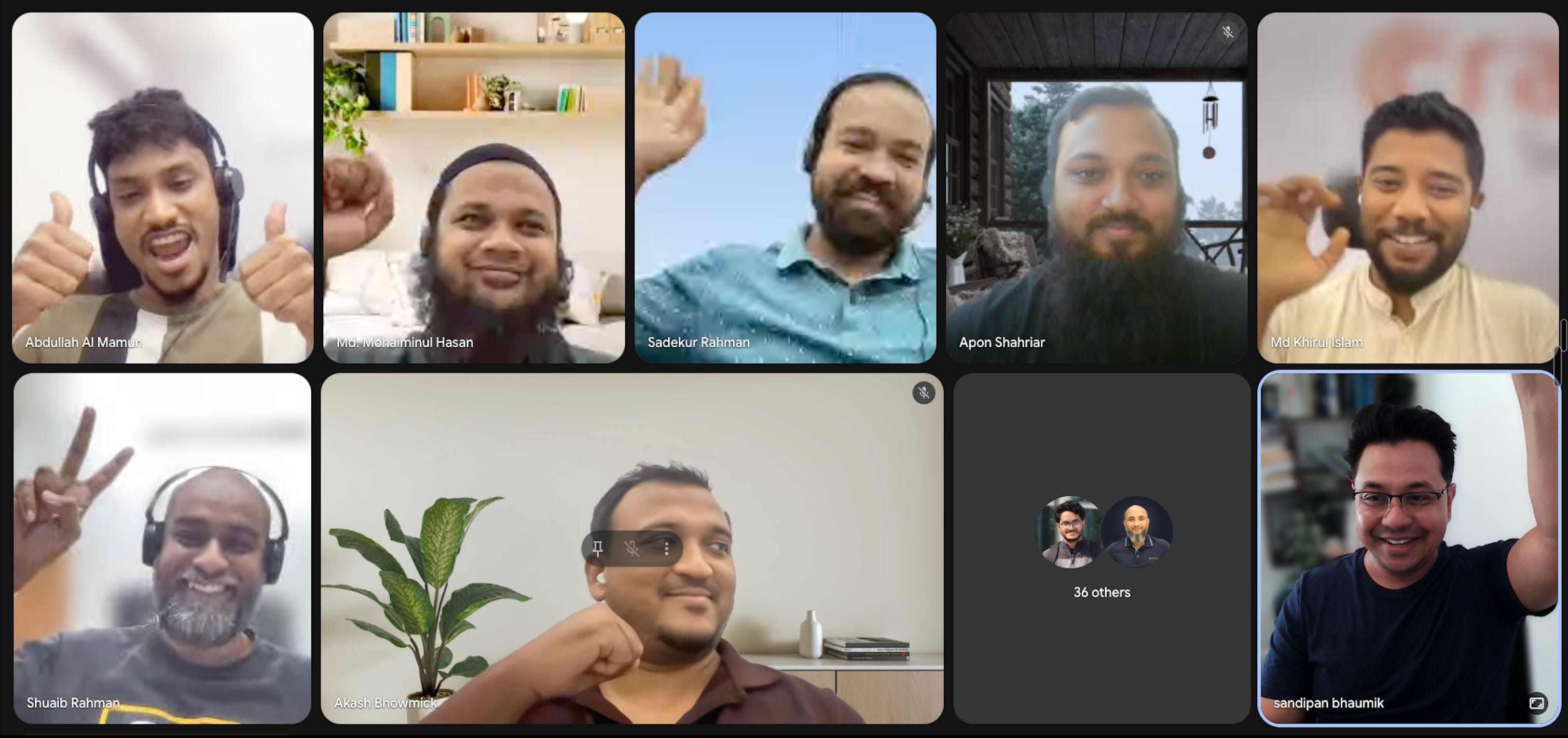
This is the best time I get to spend - speaking to people who are genuinly interested in building real things with AI, not slops.
Thanks for being a part of this community.
Talk soon,
Sandi.
P.S. If you’re new here - welcome 🎉. AgentBuild is a community of practitioners working through the real challenges of getting AI into production inside large organisations. Every week I share practical, grounded thinking from the people doing this work at the sharp end. The goal is never theory - it’s always: what can you use Monday morning.
Ask your friends to join.
More valuable content coming your way.